How Mappings and Query Design Make or Break Search
Practical lessons for building relevant and fast search with OpenSearch and Elasticsearch
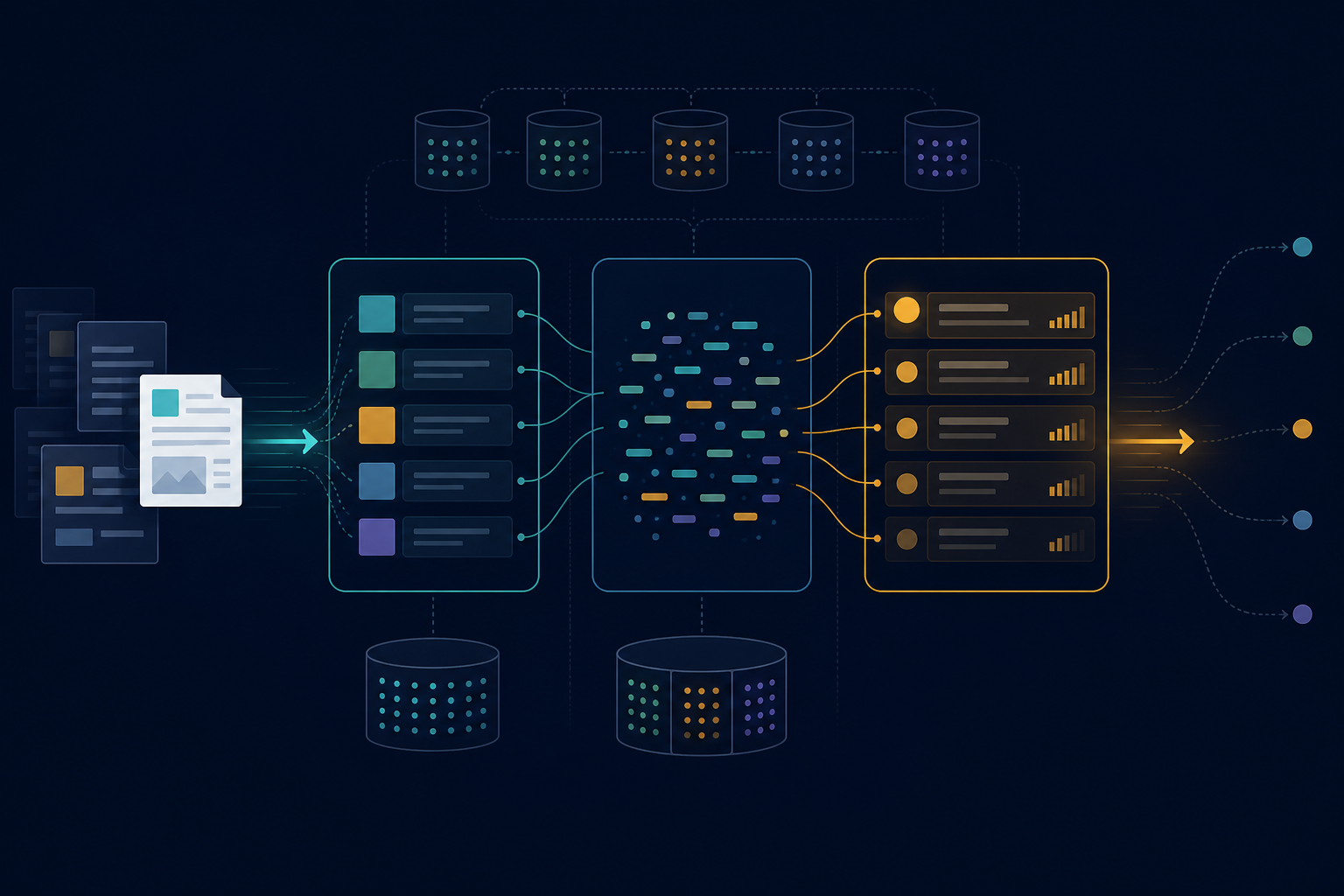
Search quality depends on what is indexed, how text and fields are mapped, how queries filter and score results, and how indices evolve. A system can be fast but irrelevant, accurate but slow, or apparently correct while silently missing documents. Most failures come from layers that no longer agree.
Search begins before the query
Before tuning scoring, verify that the indexed document contains the expected fields:
Database record
  -> application serializer
  -> search document
  -> index mapping and analyzer
  -> query parser
  -> OpenSearch or Elasticsearch
A database field may still be unsearchable because the serializer omitted it, used another path, or produced a document the mapping rejected. The query may ignore it, or an application filter may hide the document. UI tests do not distinguish these failures. Compare the database representation, generated search document, mapping, and final query before changing relevance settings.
Use text and keyword for different jobs
Use text for natural language such as titles, descriptions, names, organizations, and document content. Use keyword for exact identifiers, statuses, types, usernames, tags, and access levels.
A multi-field mapping can support both:
{
  "title": {
    "type": "text",
    "fields": {
      "keyword": {
        "type": "keyword",
        "ignore_above": 256
      }
    }
  }
}
title provides full-text relevance. title.keyword supports exact filtering, sorting, and aggregations for indexed values; values longer than 256 characters are omitted from this subfield.
Aggregating directly on a text field fails by default because field data is disabled. If it is explicitly enabled, aggregation buckets represent analyzed tokens rather than complete values. Mapping long prose only as keyword prevents normal full-text matching.
Index and search analyzers have different responsibilities
Autocomplete commonly uses different analyzers at index and query time. These illustrative names must first be defined in the index settings; exact tokens depend on the tokenizer and n-gram configuration:
{
  "name": {
    "type": "text",
    "analyzer": "autocomplete_index",
    "search_analyzer": "autocomplete_search"
  }
}
The index analyzer may tokenize, lowercase, fold accents, and generate edge n-grams. The search analyzer usually applies the same normalization without n-grams. Indexing Alexander might produce:
al
ale
alex
alexa
alexan
The query alex can then match the prefix. Edge n-grams at query time create many terms and can reduce precision; adding them to every text field increases index size and indexing cost. Reserve them for fields that need prefix search.
Similar fields need consistent analysis
Consider this profile:
{
  "full_name": "Timothy Smith",
  "first_name": "Timothy",
  "last_name": "Smith"
}
If full_name uses accent folding and prefix analysis while last_name uses the default analyzer, the same value behaves differently by field: full names may match while surnames do not, accents and prefixes behave inconsistently, and sorting may disagree with search. Fields representing one concept should use compatible normalization unless the difference is deliberate. The query must also target them; a perfectly mapped field has no effect if it is never searched.
Field boosts encode product decisions
An illustrative multi-field query may look like:
{
  "multi_match": {
    "query": "distributed systems",
    "fields": [
      "title^5",
      "author_names^3",
      "topics^2",
      "body"
    ],
    "type": "best_fields"
  }
}
Boosts define product relevance. A title match may deserve more weight than a description match; an exact identifier may outrank every full-text result; a short acronym can beat a weak match in a long organization name. Tune against a representative set:
query -> expected top resultsRun it whenever mappings, analyzers, boosts, or parsers change. One anecdotal result can improve while other queries regress.
Fuzziness has a cost
Fuzzy matching helps with typographical errors but expands the terms the engine must consider. Applied across every field, it can increase latency, produce surprising matches, overwhelm exact results, behave poorly with short terms, and expose fields that should not be broadly searchable. Use layered retrieval:
- exact identifier or keyword matches;
- non-fuzzy full-text or phrase matching;
- prefix matching where needed; and
- fuzzy matching as a lower-weight fallback.
Put constraints in filter context
Eligibility constraints such as status, type, date range, tenancy, and index-backed access-control values usually belong in filter clauses when mapped as exact or date fields. Search filtering must not replace object-level authorization before results are returned.
The following example assumes status and tenant are keyword fields:
{
  "bool": {
    "must": {
      "multi_match": {
        "query": "climate model",
        "fields": ["title^4", "description"]
      }
    },
    "filter": [
      { "term": { "status": "published" } },
      { "term": { "tenant": "public" } }
    ]
  }
}
Filters decide eligibility; full-text clauses rank eligible documents. Mixing them into scoring obscures relevance and may waste work.
Strict mappings prevent silent schema growth
Dynamic mapping is convenient in experiments but risky in long-running systems. Arbitrary metadata keys can create thousands of fields, increasing cluster-state size, memory use, and query complexity.
Using:
{
  "dynamic": "strict"
}
rejects documents containing unknown fields within that object scope.
This creates an operational contract: deploy application-schema and mapping changes together. With asynchronous indexing, the primary database write may succeed while search indexing fails, so monitor rejections and provide retries or a dead-letter path.
For flexible key-value blobs, consider Elasticsearch’s flattened field or OpenSearch’s flat_object field after reviewing the query and aggregation limitations of the relevant engine version. Otherwise, enforce an explicit key allowlist.
Search latency is not only cluster latency
An endpoint also parses the query, performs authorization, builds filters, enriches hits, serializes results, and returns JSON. A low engine-reported took can coexist with much higher endpoint latency. Measure both; if the gap is large, shard or analyzer tuning will not solve the main bottleneck.
Avoid deep pagination
Offset pagination has a configured result window:
from: 100000
size: 20
With default settings, this exceeds the usual 10,000-result window and normally fails. Raising the limit can increase shard memory and CPU use because skipped hits still require collection and sorting.
For deep traversal, use point-in-time search with search_after, a deterministic sort, and a tiebreaker, then close the point in time. Elasticsearch no longer recommends scroll for deep pagination. OpenSearch still documents it for bulk extraction; clear the scroll context afterwards. Bulk jobs should not request successively deeper offset pages.
Reindexing is part of schema evolution
Changing a mapping file does not rewrite existing documents. Some changes cannot be applied to an existing index, and updated templates may affect only new indices.
A production migration should:
- Create a new index with the new mapping.
- Backfill data from the source of truth.
- Prevent a write gap by pausing writes, dual-writing, or replaying changes made during the backfill.
- Validate failures, counts at the same cutoff, and representative queries.
- Atomically switch the read and write aliases in one aliases-API request.
- Monitor the new index while retaining the previous one for rollback.
- Remove the previous index only after the new index is proven.
Versioned indices make migration and rollback explicit.
Data streams require different lifecycle operations
OpenSearch and Elasticsearch data streams suit append-oriented, time-based logs, events, and metrics. Each stream is a logical resource backed by engine-managed indices:
application-events
  -> backing index 000001
  -> backing index 000002
A matching index template must enable data streams, and every document must contain the configured timestamp field. Configure rollover with index lifecycle management or data-stream lifecycle in Elasticsearch, or index state management in OpenSearch.
Write through the stream name, inspect it through data-stream APIs, use the selected engine’s lifecycle mechanism, and avoid manual structural operations on backing indices.
Deleting a data stream deletes its backing indices. Verify the target and recovery snapshot before deletion, and avoid broad wildcards. Support for targeted document updates or deletes depends on the engine and version.
Operational tooling must enumerate data streams explicitly because index- or alias-only discovery can omit unaliased streams. Template changes generally affect future backing indices after rollover; historical backing indices retain their mappings unless explicitly migrated.
Debugging sequence
When search behaves unexpectedly:
- Confirm the source entity exists.
- Confirm the document exists in the intended index.
- Inspect the actual indexed JSON.
- Inspect the field mapping.
- Test both analyzers with the
_analyzeAPI. - Inspect the generated query.
- Remove application filters temporarily in a safe environment.
- Use
_explainsparingly for one expected document. - Profile a representative query in a controlled environment; profiling adds substantial overhead and does not report normal query latency.
- Check ingestion failures and stale documents.
- Reindex if the mapping or document transformation changed.
This separates ingestion, analysis, querying, filtering, and serialization instead of treating search as one black box.